Design presentations, social media posts, videos, documents and graphics with an easy-to-use online design platform.

Canva
Popular Design Platform
Visit website
Watch demo
We may earn a commission if you buy through this link. It never changes our rating.
What is Canva?
What users sayCanva is widely used for its easy-to-use design workflow, large template and content library, AI features and collaboration tools.
Pros and cons
Pros
- Easy to use
- Large template library
- Social media design tools
- Presentation and video creation
- Team collaboration
- Free plan available
Cons
- Some advanced features require a paid plan
- Can feel limited for advanced professional design workflows
- Large template library can make finding the right design harder
Our verdict
Canva is a versatile design platform for creating social posts, presentations, marketing materials, videos and branded content. Its free plan is useful for basic design work, while Pro and Business add premium content, AI tools, brand management and collaboration features.
Who is Canva for?
Social Media Manager
Creates social media graphics and campaign content
- social-media
- marketing
- advanced-specialist-design
Plan we would pick: Pro
Small Business Owner
Creates marketing and branded content without a dedicated designer
- small-business
- marketing
- complex-professional-design
Plan we would pick: Pro
Student
Creates presentations, posters and visual projects
- education
- presentations
- advanced-design-workflows
Plan we would pick: Free
Marketing Team
Creates branded content collaboratively
- marketing
- branding
- highly-specialized-design
Plan we would pick: Business
Industry fit
MarketingUseful for social content, campaigns and branded marketing materials
Strong fit
95
EducationUseful for presentations, educational graphics and visual materials
Strong fit
90
Small BusinessUseful for branding, marketing and everyday business content
Strong fit
95
Media & PublishingUseful for social graphics, presentations and visual content
Strong fit
90
EnterpriseBusiness and Enterprise offerings support larger organizational workflows
Conditional
80
Key features
Design Editor
Create graphics, presentations, documents and other visual content with a drag-and-drop editor
Templates
Access a large library of ready-made design templates
AI Tools
Use AI-powered tools for design and content workflows
Brand Kits
Manage brand colors, fonts and visual assets
Team Collaboration
Collaborate on designs and manage team workflows
Video Creation
Create and edit video content
Canva Offline
Work with supported Canva offline functionality
Presentations
Create and present professional slide decks
Canva pricing
Prices checked September 27, 2026
Most popular
Pro
$180 year/person
- premium content
- AI tools
- 5 Brand Kits
- 100GB cloud storage
- Canva Offline
Business
$250 year/person
- team collaboration
- 100 Brand Kits
- 500GB cloud storage
- advanced AI usage
- Flourish
Pricing calculator
Pro $15 / seat, Business $20 / seat from 1 seats.
Savings calculator
Estimated savings based on the time a user may save with Canva. Actual results vary by workflow and usage.
Estimated value saved per month
Is Canva right for you?
Answer a few quick questions to see our pick.
How Canva compares
Canva combines templates, graphic design, presentations, video creation, AI-powered features, brand tools and collaboration in one platform.
Integrations
5 integrations listed
- Google Drive
- Dropbox
- Slack
- Microsoft Teams
- HubSpot
Security, data & support
Security & compliance
- Encryption in transitTLS/SSL
- Encryption at restAES-256
- MFAAvailable
- SSOAvailable for users and enterprises
- GDPRCanva states that it has processes to support GDPR compliance
- Bug bountyAvailable
Your data, in plain words
- Designs are encrypted in transit and at rest.
- Private designs are private by default.
- Canva stores user data in cloud infrastructure.
- Users can manage or delete data through available account and privacy controls.
Support
- Help CenterFree, Pro, BusinessOnline support resources
- SupportPaid/eligible usersContact Canva support
API & languages
- APICanva REST APIs
- SDKCanva Developers SDK
- AuthenticationOAuth 2.0 with Authorization Code + PKCE
- App surfacesInside Canva; Canva for your platform; Canva for AI assistants
- 100+ languages
Canva states that it supports 100+ languages across its products and global experience.
Canva FAQs
Is Canva free?
Yes. Canva offers a Free plan with basic design tools and content.
Does Canva offer a Pro plan?
Yes. Canva Pro provides premium content, AI tools and additional brand features.
Does Canva have a Business plan?
Yes. Canva Business is designed for individuals, marketers and growing teams.
Does Canva have a mobile app?
Yes. Canva is available on mobile platforms.
Does Canva support team collaboration?
Yes. Canva Business includes collaboration and team administration features.
Does Canva offer APIs?
Yes. Canva provides REST APIs and a Developers SDK for building integrations and apps.
Alternatives to Canva
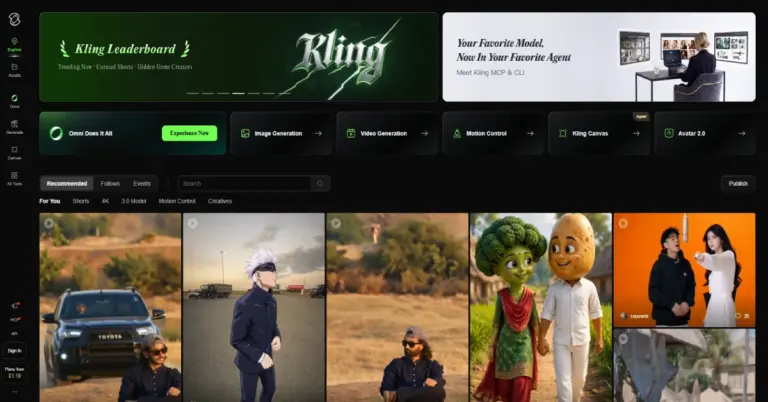

AI video and image generation platform for creating cinematic videos, realistic motion, native audio, and high-resolution visuals.
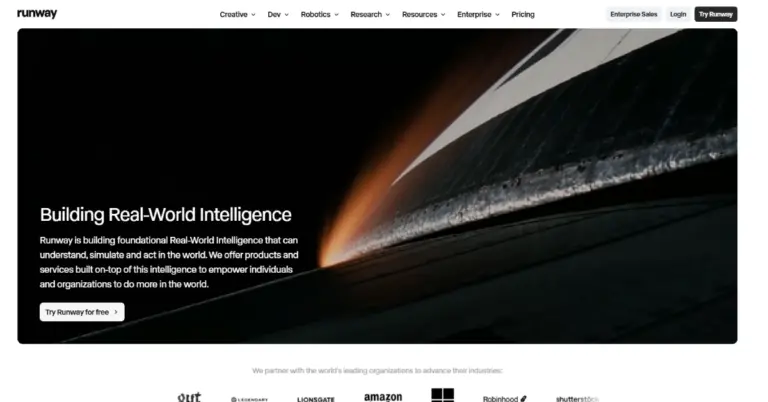

AI creative platform for generating, editing, and transforming videos, images, and audio.


AI image and video generation platform for creating, editing, personalizing, and transforming high-quality visual content.
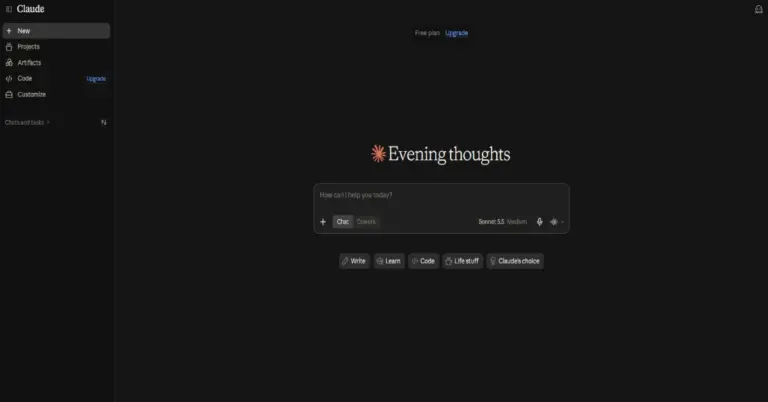

Anthropic’s AI assistant for writing, research, coding, analysis, complex reasoning and professional productivity.
Canva reviews
4.9
No reviews yet
CanvaFrom $12.99/mo
Visit website