Cloud-based work management and team collaboration platform designed to plan, track, and execute projects, workflows, and everyday tasks in one customizable visual space.
Monday.com
Editor's Choiceby monday.com Ltd.
Visual work management and productivity platform for managing team projects, tasks, and workflows.
Get Started Free
Watch demo
We may earn a commission if you buy through this link. It never changes our rating.
What is Monday.com?
What users sayTeams appreciate Monday.com for turning messy spreadsheets into clear, color-coded workflows that keep everyone aligned. Users frequently highlight the no-code automations and visual timeline views as major time-savers, though some note the steep step up in price to access Pro features.
Pros and cons
Pros
- Highly visual, intuitive, and modern user interface
- Deeply customizable boards, columns, and workflow automations
- Robust built-in Gantt, Kanban, Timeline, and Calendar views
- Extensive library of integrations and pre-built templates
- Scalable from small teams to enterprise-wide operations
Cons
- Minimum 3-seat requirement on paid subscription plans
- Tiered feature gating (advanced automations and charts require Pro or Enterprise plans)
- Can become expensive as team size increases
- Mobile app offers fewer configuration options than the desktop web app
Our verdict
Monday.com stands out as one of the most flexible and visually appealing work management platforms on the market. While its minimum seat requirement and tiered pricing can add up for tiny teams, its powerful automation engine, versatile views, and ease of adoption make it a top-tier choice for growing businesses and cross-functional teams.
Who is Monday.com for?
Project Managers
Needs end-to-end task tracking and resource planning
- timeline
- gantt charts
- automations
- simple single-person to-do lists
Plan we would pick: Standard
Marketing Teams
Manages campaign calendars, creative assets, and client briefs
- intake forms
- calendar view
- dashboards
- complex hardware engineering builds
Plan we would pick: Standard
Agile Software Teams
Coordinates sprints, bug tracking, and developer backlogs
- sprint boards
- git integrations
- strict waterfall documentation silos
Plan we would pick: Pro
Industry fit
Marketing & AdvertisingExceptional for campaign approvals and editorial calendars
Strong fit
96
Software & ITGreat for sprint planning and bug intake workflows
Strong fit
90
Professional ServicesSmooth client project tracking and status updates
Strong fit
88
Solo Freelancers3-seat minimum makes paid plans less economical for solo use
Check first
60
Key features
Visual Board Management
Organize tasks, deadlines, owners, and progress with customizable column types and color-coded statuses.
No-Code Automations
Set up automated rules to notify teammates, move items across groups, and sync statuses without coding.
Multi-View Dashboards
Visualize project progress using Gantt charts, Kanban boards, Timelines, Workload, and Calendar views.
Cross-Board Dashboards
Aggregate metrics and high-level KPIs from up to 50 individual boards into a single executive dashboard.
Collaborative Docs
Create workdocs that embed live board data, assign action items, and update project tasks in real time.
Custom Forms
Share clean intake forms to collect requests, bugs, or leads that instantly populate as actionable board items.
Monday.com pricing
Basic
$9 seat/month
- Unlimited free viewers
- 5 GB storage
- prioritized customer support
- unlimited boards
Most popular
Standard
$12 seat/month
- Timeline & Gantt views
- calendar view
- 250 automations/mo
- guest access
Enterprise
Custom month
- Enterprise-scale automations
- multi-level permissions
- HIPAA compliance
- dedicated CSM
Pricing calculator
Standard $12 / seat, Pro $19 / seat from 3 seats.
Savings calculator
Automate repetitive follow-ups and status check-ins to save hours across your organization every week.
Estimated value saved per month
Is Monday.com right for you?
Answer a few quick questions to see our pick.
How Monday.com compares
Unlike traditional project management tools that feel like rigid spreadsheets, Monday.com emphasizes customizable visual boards and seamless no-code automations, making project tracking accessible to non-technical teams across marketing, sales, HR, and operations.
| Capability | Monday.com | Asana | ClickUp | Trello |
|---|---|---|---|---|
| Starting Price (per seat) | $9/mo | $10.99/mo | $7/mo | $5/mo |
| Visual Customization | Very High | High | Very High | Medium |
| No-Code Automations | Excellent | Good | Excellent | Basic |
| Minimum Seats on Paid Plans | 3 Seats | 1 Seat | 1 Seat | 1 Seat |
| Multi-Board Reporting | High | High | High | Basic |
Integrations
8 integrations listed
- Slack
- Google Workspace (Drive, Gmail, Calendar)
- Microsoft Teams & Outlook
- Zoom
- Jira
- GitHub
- Salesforce
- Zapier
Security, data & support
Security & compliance
- SOC 2 Type IISupported
- ISO 27001 / 27018Supported
- GDPR ComplianceSupported
- HIPAA ComplianceSupported (Enterprise plan)
- Two-Factor Authentication (2FA)Supported
- Single Sign-On (SSO / SAML)Supported (Pro & Enterprise)
Your data, in plain words
- Data encrypted in transit (TLS 1.3) and at rest (AES-256)
- Hosted in secure multi-region AWS and Google Cloud environments
- Strict role-based access controls and custom user permission levels
Support
- 24/7 Web Ticket & EmailAll plansUnder 2-4 hours
- Live Chat SupportAll paid plansUnder 30 minutes
- Dedicated Customer Success ManagerEnterprisePriority direct access
- Knowledge Base & AcademyAll usersInstant self-serve
API & languages
- API ArchitectureGraphQL API v2
- WebhooksSupported on automations & integrations
- App MarketplaceHundreds of community and third-party apps
- English
- Spanish
- French
- German
- Portuguese
- Italian
- Japanese
- Dutch
- Russian
- Swedish
- Polish
- Turkish
Platform interface and customer support are localized in 12+ global languages.
Who uses Monday.com
Workflow Scale +40% Productivity
Canva
Streamlined cross-department project requests and creative asset pipelines
Read the case studyVibrant community forum with thousands of active workflow templates, tutorials, and partner solutions.
Monday.com FAQs
Is Monday.com free to use?
Yes, Monday.com offers a free plan for up to 2 users with basic boards and core features.
Can I buy a single license on Monday.com?
Paid plans have a minimum tier requirement of 3 seats.
Does Monday.com support Gantt charts?
Yes, interactive Gantt and Timeline views are included starting from the Standard plan.
Is Monday.com secure for enterprise data?
Yes, Monday.com provides enterprise-grade security including SOC 2, ISO 27001, GDPR, and HIPAA compliance on Enterprise plans.
Alternatives to Monday.com
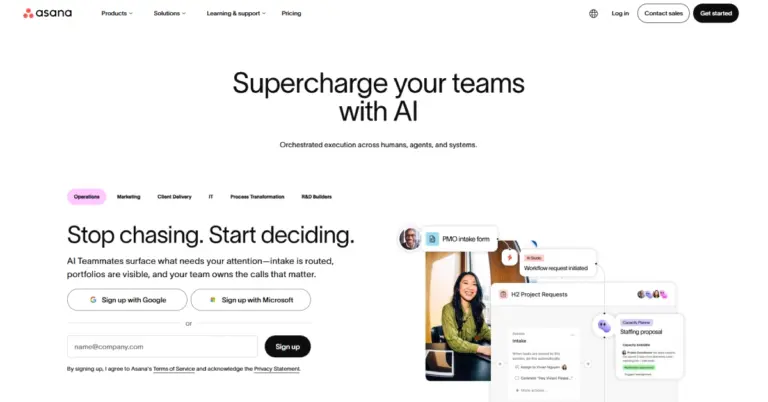

Project and work management software for tasks, team collaboration, workflows, timelines and AI automation.
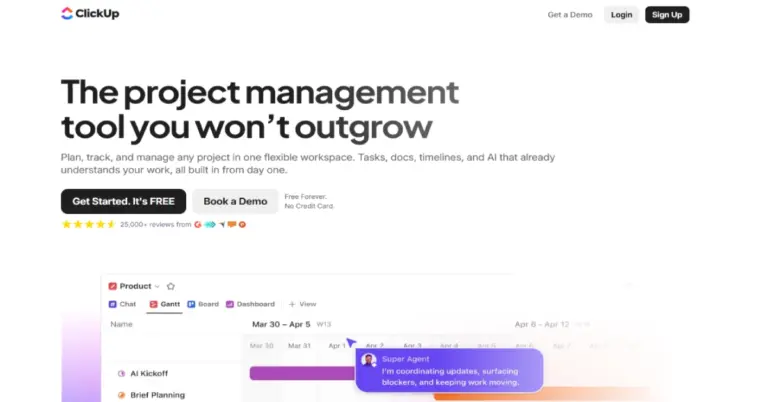

All-in-one work management platform for tasks, projects, Docs, Chat, dashboards, automation and AI-powered productivity.
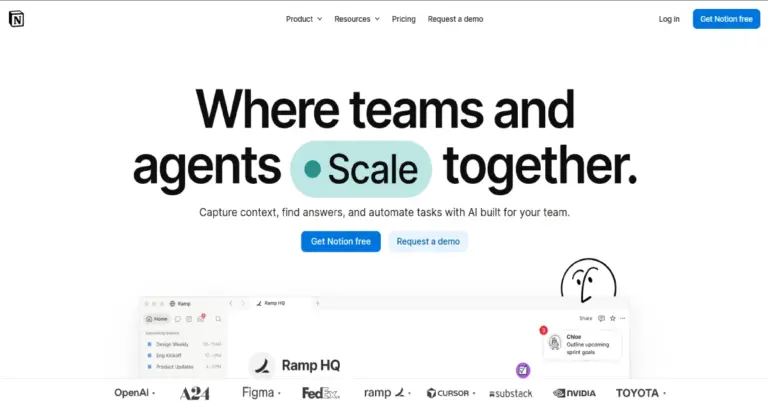
All-in-one workspace for notes, documents, wikis, projects, databases, collaboration and AI-powered work.
Monday.com reviews
4.7
No reviews yet
Review sentiment
88% Positive8% Neutral4% Negative
G2 Crowd · 4.7/5 (10,000+ reviews)
"Transforms how our team stays organized and hits deadlines"
verified_review
"Saves hours on internal project communication"
verified_review
Monday.comFrom $9/seat/month
Get Started Free