Asana helps teams organize projects, assign tasks and track work from planning to completion. It brings timelines, workflows, reporting and AI-assisted work management into one platform.

Asana
Project Management Softwareby Asana, Inc.
Project and work management software for tasks, team collaboration, workflows, timelines and AI automation.
Get Started
Watch demo
We may earn a commission if you buy through this link. It never changes our rating.
What is Asana?
What users sayAsana is commonly used to organize work across teams and departments. Its task views and project dashboards make responsibilities easier to follow. Some teams may find the setup and advanced features more complicated than a basic to-do list.
Pros and cons
Pros
- Free plan for two users
- Unlimited tasks and projects
- List, board and calendar views
- Timeline and Gantt planning on paid plans
- Custom fields and project templates
- Unlimited automation actions on paid plans
- AI Studio and AI Teammates
- Project reporting dashboards
- Portfolio and goal tracking on Advanced
- 100+ integrations
- Desktop and mobile apps
Cons
- Free plan limited to two users
- Paid plans require at least two seats
- Timeline and Gantt unavailable on Personal
- Advanced reporting and portfolios require higher plans
- AI credits and requests have limits
- Timesheets and budgets may require an add-on
- Complex projects take time to configure
Our verdict
Asana is well suited to teams that need a clear view of projects, responsibilities and deadlines. Its free plan handles basic task tracking, while Starter offers more useful planning and automation features. Advanced is a better fit when teams need portfolios, goals and resource management. The main drawbacks are the minimum paid seat requirement and the cost of higher-tier features.
Who is Asana for?
Individuals
Organize personal work
- Tasks
- Calendar
- Advanced portfolio management
- Enterprise governance
Plan we would pick: Personal
Small Teams
Manage shared projects
- Timeline
- Automation
- Complex enterprise administration
- Advanced capacity planning
Plan we would pick: Starter
Marketing Teams
Coordinate campaigns and approvals
- Campaign planning
- Reporting
- Advertising delivery
- Full CRM
Plan we would pick: Advanced
Agencies
Track client projects
- Templates
- Guest collaboration
- Accounting
- Client billing
Plan we would pick: Starter
Project Managers
Monitor deadlines and resources
- Gantt
- Portfolios
- CAD
- Software compilation
Plan we would pick: Advanced
Enterprise Operations
Manage cross-department work
- Goals
- Governance
- ERP replacement
- Payroll
Plan we would pick: Enterprise
Industry fit
MarketingCampaign and project coordination
Strong fit
95
Professional ServicesClient work and deadlines
Strong fit
93
TechnologyCross-functional projects
Strong fit
90
EducationDepartmental planning
Strong fit
86
Creative AgenciesReview and approval workflows
Strong fit
94
OperationsProcesses and resource planning
Strong fit
95
ConstructionSpecialized field tools may be needed
Conditional
73
Key features
Task Management
Assign tasks, due dates and priorities.
Project Management
Organize related tasks into projects.
List View
Track work in a structured list.
Board View
Manage work using Kanban boards.
Calendar View
See tasks and deadlines on a calendar.
Timeline View
Plan project schedules and dependencies.
Gantt Charts
Visualize project timelines.
Custom Fields
Track project-specific information.
Project Templates
Reuse standardized project setups.
Forms
Turn incoming requests into tasks.
Automation Rules
Automate routine task actions.
Reporting Dashboards
Monitor project progress.
Portfolios
Track multiple projects together.
Goals
Connect work to business objectives.
Resource Management
Review team workloads.
Approvals
Manage review and sign-off workflows.
Proofing
Provide feedback on creative assets.
Time Tracking
Compare estimated and actual work time.
AI Studio
Build AI-powered workflows without coding.
AI Teammates
Delegate supported tasks to AI agents.
Asana Dash
Surface priorities and next steps using AI.
Collaboration
Share comments, files and updates.
Mobile Apps
Manage tasks on mobile devices.
Asana pricing
Prices checked October 28, 2026
Personal
$0 User/month
- 2 users
- unlimited tasks
- unlimited projects
- list view
- board view
- calendar view
- 100+ integrations
Most popular
Starter
$10.99 User/month billed annually
- Timeline
- Gantt
- dashboards
- forms
- custom fields
- unlimited automations
- AI Studio
Advanced
$24.99 User/month billed annually
- Portfolios
- goals
- resource management
- approvals
- proofing
- time tracking
- AI Studio
Enterprise+
Custom Organization
- Advanced compliance
- data residency options
- audit logs
- enterprise governance
Pricing calculator
Starter $10.99 / seat, Advanced $24.99 / seat from 2 seats.
Is Asana right for you?
Answer a few quick questions to see our pick.
How Asana compares
Asana focuses on connecting individual tasks with larger projects, portfolios and business goals. Its combination of visual planning, workflow automation and AI tools makes it suitable for coordinated team work rather than simple personal reminders.
| Capability | Asana | ClickUp | Trello | monday.com |
|---|---|---|---|---|
| Task management | Yes | Yes | Yes | Yes |
| Free plan | Yes | Yes | Yes | Yes |
| Kanban boards | Yes | Yes | Yes | Yes |
| Gantt view | Paid plans | Paid plans | Paid add-ons or integrations | Paid plans |
| Project automation | Paid plans | Yes | Yes | Yes |
| AI features | Yes | Yes | Available | Yes |
| Portfolio management | Advanced+ | Available | Limited | Available |
| Resource management | Advanced+ | Available | Limited | Available |
Integrations
14 integrations listed
- Slack
- Microsoft Teams
- Google Drive
- Google Workspace
- Microsoft 365
- Zoom
- Dropbox
- OneDrive
- Jira Cloud
- Salesforce
- Tableau
- Microsoft Power BI
- Zapier
- GitHub
Security, data & support
Security & compliance
- SOC 2 Type IIListed
- Encryption in transit and at restSupported
- Multi-factor authenticationSupported
- Google SSOSupported
- Microsoft SSOSupported
- SAML SSOEnterprise
- SCIM provisioningEnterprise
- Audit Log APIEnterprise+ or eligible add-on
- Data residencyEligible enterprise option
- GDPR resourcesPublished
Your data, in plain words
- Asana stores tasks, comments, project data and uploaded files.
- Files have a 100 MB per-file limit.
- Project permissions control access to shared work.
- External guests can collaborate on eligible plans.
- AI features process relevant work context when enabled.
- Enterprise plans provide additional security and governance controls.
Support
- Help CenterAll plansSelf-service
- Community ForumAll plansCommunity-based
- Asana AcademyAll plansSelf-service
- Direct SupportEligible plansResponse time not verified
- Customer SuccessEligible enterprise customersContract-dependent
API & languages
- API typeREST API
- Data formatJSON
- API authenticationOAuth 2.0;Personal access tokens
- Tasks APIAvailable
- Projects APIAvailable
- WebhooksSupported
- Custom fields APISupported
- MCP serverAvailable
- Audit Log APIEligible Enterprise plans
Asana FAQs
What is Asana?
Asana is software for organizing projects, tasks and team workflows.
Is Asana free?
Yes. Personal is free for up to two users.
How much does Asana cost?
Starter begins at $10.99 per user/month with annual billing.
Does Asana offer a trial?
Yes, trials of paid features are available.
Can Asana create Gantt charts?
Yes, on paid plans.
Does Asana have Kanban boards?
Yes, including on Personal.
Does Asana support automation?
Yes, paid plans include workflow automation.
Does Asana have AI features?
Yes, including AI Studio and AI Teammates.
Can I track goals in Asana?
Yes, starting with Advanced.
Does Asana support time tracking?
Yes, on eligible plans.
Can Asana integrate with Slack?
Yes.
Does Asana have an API?
Yes, a REST API is available.
How many users are required for paid plans?
At least two paid seats.
Can clients collaborate as guests?
Yes, eligible paid plans support free guests.
Alternatives to Asana
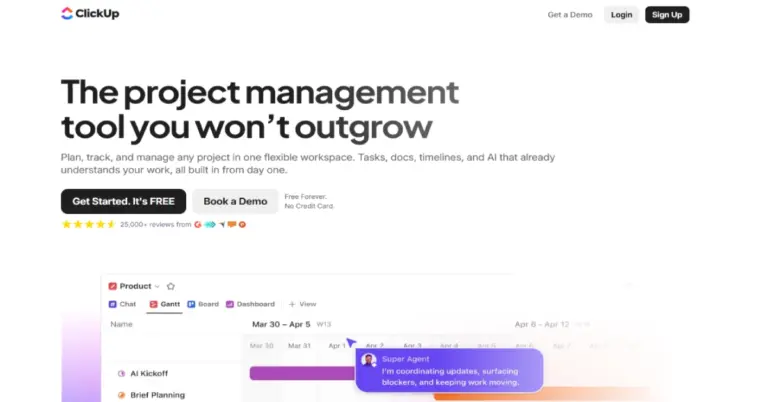

All-in-one work management platform for tasks, projects, Docs, Chat, dashboards, automation and AI-powered productivity.
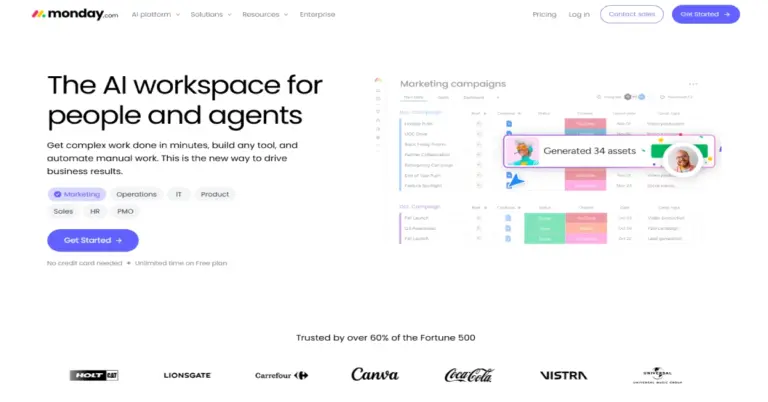

Visual work management and productivity platform for managing team projects, tasks, and workflows.
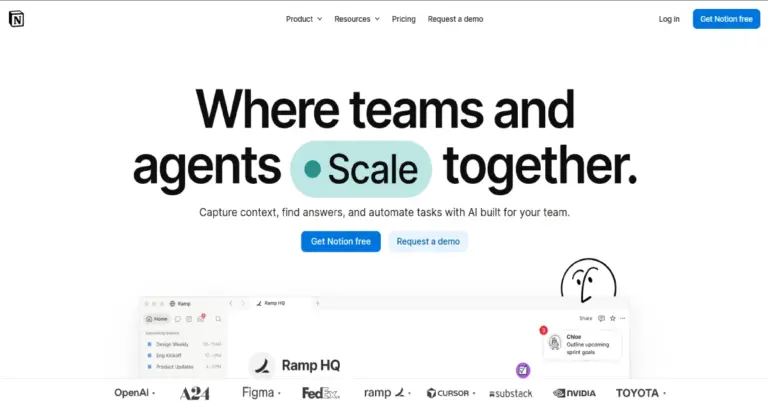

All-in-one workspace for notes, documents, wikis, projects, databases, collaboration and AI-powered work.
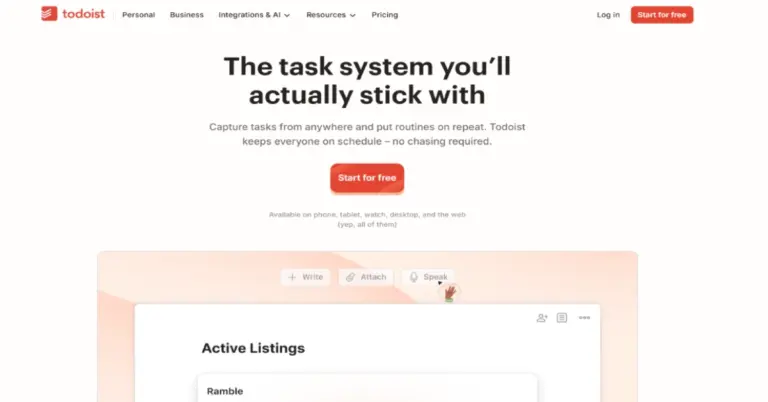

A simple task manager for organizing to-dos, deadlines, and daily projects.
Asana reviews
—
No reviews yet
Asana
Get Started